
Your server slows to a crawl on a Tuesday morning. Half your team can’t access shared files. Someone suggests calling IT support — but which kind? Should a technician be walking through your front door within the hour, or can this get fixed over a screen-share in fifteen minutes?
That question — remote or on-site — sounds simple until you’re the one paying the invoice. Pick the wrong model and you either overpay for a truck roll that wasn’t necessary, or you wait three days for a technician to physically diagnose a problem that needed hands-on access from the start.
This guide breaks down exactly when each model makes sense, what they actually cost, and how most growing businesses end up structuring a smarter hybrid approach.
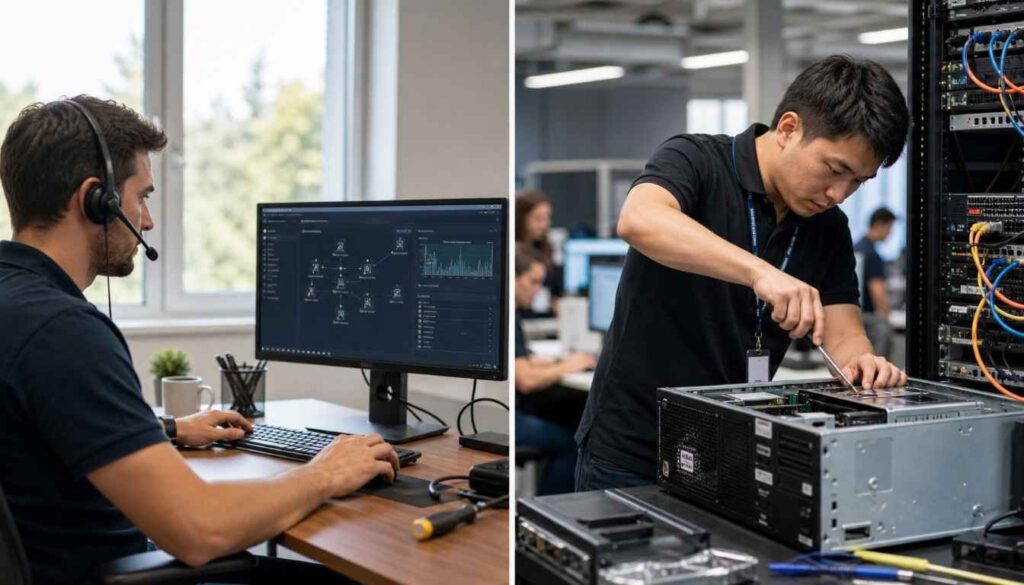
What Is Remote IT Support?
Remote IT support means a technician resolves your issue without ever stepping into your office. They connect through a secure remote-access session, phone call, or chat, and handle everything from there — software installs, configuration changes, security patches, troubleshooting error messages, setting up new employee accounts, and more.
Most day-to-day IT issues are software problems, not hardware problems. That’s exactly the category remote support is built for.
Typical remote support tasks:
- Operating system and software troubleshooting
- Microsoft 365 and email configuration issues
- Antivirus and security software setup
- Password resets and account access problems
- Printer and peripheral configuration
- Routine system updates and patch management
- Performance tuning for slow computers
The biggest advantage is speed. There’s no travel time, no waiting for a technician to arrive — a session can often start within minutes of the request coming in.
What Is On-Site IT Support?
On-site support means a technician physically comes to your location to handle the issue. This is non-negotiable for certain problems: you can’t remotely replace a failed hard drive, rewire a network closet, or diagnose why a specific desk’s ethernet port stopped working.
Typical on-site support tasks:
- Hardware repairs and replacements
- New office network setup and cabling
- Server room or rack installations
- Hardware refreshes (replacing aging desktops, laptops, routers)
- Physical security camera or access control installs
- Large-scale office moves or IT infrastructure rollouts
On-site visits typically cost more per hour than remote sessions, largely because of technician travel time and the logistics of scheduling a dispatch. They also take longer to arrange — even fast-response providers usually need a scheduling window rather than an instant connection.
Remote vs. On-Site: Side-by-Side Comparison
| Factor | Remote Support | On-Site Support |
|---|---|---|
| Response time | Minutes | Hours to days, depending on scheduling |
| Cost per session | Lower — no travel overhead | Higher — includes technician travel time |
| Best for | Software issues, configuration, routine troubleshooting | Hardware failures, network installs, physical infrastructure |
| Availability | Often 24/7 | Limited to business hours or scheduled windows |
| Limitations | Can’t fix physical hardware or cabling | Slower for issues that don’t require a physical visit |
Neither model is universally “better.” The real question is which type of problem you’re solving — and how often your business runs into each kind.
When Remote IT Support Is the Right Call
If your team’s IT issues mostly involve software, accounts, or configuration, remote support should be your default. It’s faster, cheaper, and just as effective for the vast majority of help-desk requests.
Choose remote support when:
- An employee is locked out of an account or app
- Software is malfunctioning, crashing, or behaving unexpectedly
- You need to set up a new starter’s laptop with email and core apps
- A computer has slowed down significantly and needs diagnostics
- You’re managing a remote or hybrid team across multiple locations
- The issue needs fixing fast and can’t wait for a scheduled visit
Businesses with remote or distributed teams especially benefit here — a technician in another city can support an employee just as effectively as one sitting next to them, since the fix happens inside the operating system, not the building.
When On-Site IT Support Is the Right Call
Some problems simply live in the physical world. No amount of remote access changes a dead power supply or a network switch that needs to be physically swapped.
Choose on-site support when:
- Hardware has physically failed (drives, motherboards, networking equipment)
- You’re setting up a new office or relocating an existing one
- Cabling, network racks, or physical infrastructure needs work
- You’re rolling out new hardware across multiple workstations
- A security or compliance audit requires physical inspection
- Remote diagnostics have ruled out a software cause and pointed to hardware
This is also where dispatch makes sense for businesses that prefer having a technician physically verify a fix — particularly after a major outage, when leadership wants visible confirmation that systems are stable.
Why Most Businesses Need Both
In practice, the businesses with the smoothest IT operations don’t pick one model — they use a support partner who offers both and knows which one a given issue actually calls for.
Here’s what that typically looks like:
- Remote-first triage. Most tickets start with a remote technician diagnosing the problem. This alone resolves the majority of issues without ever needing a site visit.
- On-site escalation when needed. If remote diagnostics point to a hardware or physical infrastructure problem, the same provider dispatches a technician — without you having to find, vet, and onboard a second company mid-crisis.
- Scheduled on-site work for planned projects. Office moves, hardware refreshes, and network builds get scheduled in advance, while reactive day-to-day issues stay remote and fast.
This hybrid structure is also why tiered support — often labeled L0, L1, and L2 — exists. Lower tiers handle the high-volume, routine issues remotely. Higher tiers step in, remotely or on-site, for the deeper technical work: network configuration, firewall management, server administration, and advanced diagnostics that a routine help-desk ticket doesn’t require.
How to Decide What Your Business Needs
Ask yourself three questions before choosing a support model:
1. What kind of problems come up most often? If it’s mostly software, logins, and configuration — weight your support toward remote. If you’re dealing with aging hardware or frequent network issues, you’ll need on-site capability built in.
2. How fast do you need a resolution? Remote support wins on speed for anything that doesn’t require physical hands on equipment. If minutes matter, remote should be your first line of defense.
3. Do you have multiple locations or remote employees? Distributed teams benefit disproportionately from remote support, since a single technician can support staff across cities without travel costs multiplying with every location.
For most small and mid-sized businesses, the answer isn’t “remote or on-site” — it’s making sure your IT partner offers both, triages intelligently, and doesn’t bill you for a truck roll when a fifteen-minute remote session would have solved it just as well.
The Bottom Line
Remote IT support handles the bulk of everyday technical issues faster and at lower cost. On-site support is essential when hardware, infrastructure, or physical presence is genuinely required. The businesses that avoid unnecessary downtime and unnecessary spend are the ones working with a provider who can move fluidly between both — diagnosing remotely first, dispatching on-site only when it’s actually the right call.
If you’re evaluating IT support options for your business, the right partner should be able to tell you, honestly, which model a given problem needs — not default to whichever one is more profitable for them to sell.
